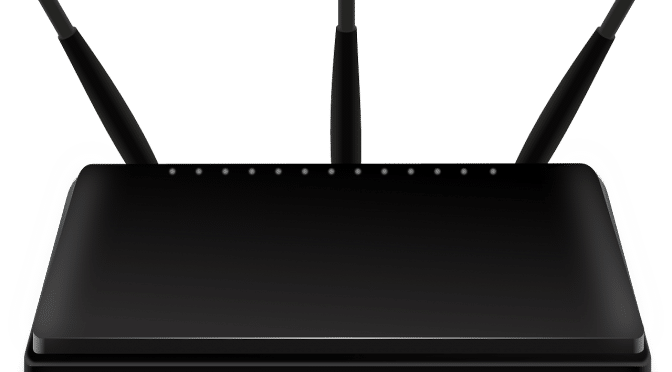
Granted, router settings aren’t the sexiest of topics. But when you consider the merriment that a router in good working order can bring to your life, you soon discover that spending a few minutes reading something turgid on the subject is probably worthwhile.
Channels are signal bands that different devices use to connect to your router to tell it that they are there. Your laptop might link to your router on one channel, while dear old Amazon Alexa might on another.
Most routers have three independent, non-overlapping channels that don’t interfere with each other, 1, 6, and 11. Devices transmitting on these channels will, therefore, carry on communicating to your router, oblivious to the fact that other devices are also sending information too. That’s what you want.
Channel Setting Problems
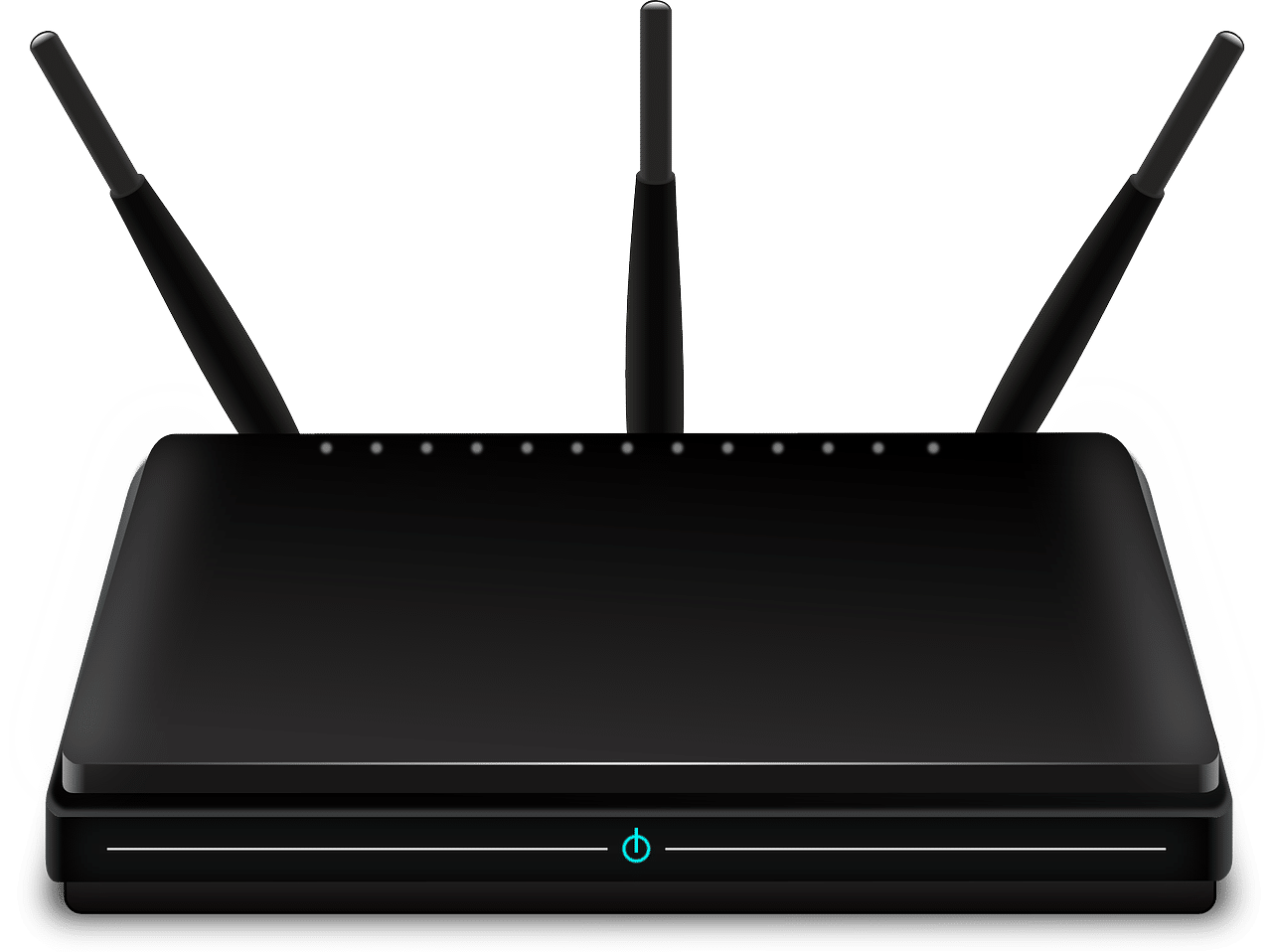
The problem comes when the automatic settings on your router lead several devices to connect to it using the same bandwidth. Two or three is usually okay, but the more devices you add to a particular channel, the less stable your connection. In the worst case scenario, some devices won’t connect at all while others are in use on the same channel.
Rather than spending hours fiddling around with internet settings and getting nowhere, it usually pays to go into your router settings and look at which devices are connecting on which channels. If you find that you have a bunch of devices all running through channel 6, then consider moving some of them to 1 and some to 11. Doing that will help to spread the load, reduce interference and, hopefully, restore reliable internet connectivity.
Neighbouring Networks
Okay, here’s where things get a little trickier. Even though the data being sent by neighbouring networks is encrypted, and even though you can’t use their router to send and receive data to the internet without a key, their signals can still interfere with yours.
People who live in flats, for instance, often find that their internet connections are unstable. Blaming the overall internet speed probably isn’t correct, but blaming your neighbours might be. Signals from your neighbour’s devices interfere with your own, causing your channels to become thick with interference, leading to dropped internet connections.
So what can you do about it?
You’ve generally got two options: you can either spend hours manually conducting experiments to see which channels work and which don’t, or you can use special programmes that automatically scan current channel usage in your vicinity and then tell you the optimal one to pick.
When boffins came up with the modern router, they didn’t envision just how many different signals would have to cram into such as small space on the electromagnetic spectrum (used for WiFi). But as the proliferation of devices continued, and more people used high-bandwidth broadband, people are going to have to learn much more about channels, including how to troubleshoot problems.
Knowing about channels can save you potentially hours wasted looking for a solution in the bowels of Windows 10 network settings and simple deal with the problem on the router itself.




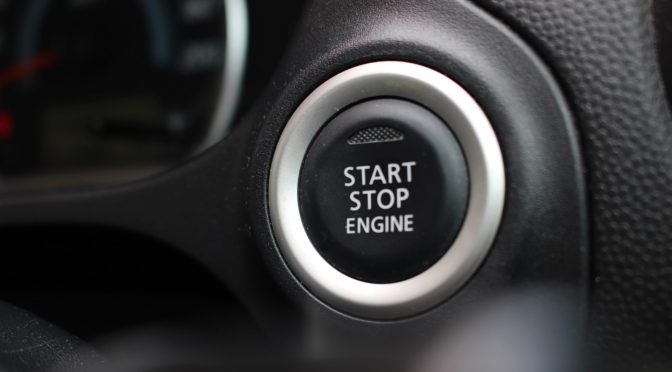


 I personally believe that keeping the keys away from the car or placing them in a container which COMPLETELY blocks radio signals is the only way to avoid the potential theft of vehicles using this method. However, radio signals can travel through types of metal, so be ABSOLUTELY confident that anything you purchase to secure your fobs, does indeed work as described.





 Our phones are now firmly ingrained in our lives, joining us at home, at work, at play, at the dinner table, in bed, they come with us everywhere! Our lives are documented in detail, where we go, what we do, what we think and what we eat. We’ve now become news gatherers, critics and voyeurs all without realising it was happening in front of us.
 I have now covered this subject twice in the past, you can read a listen in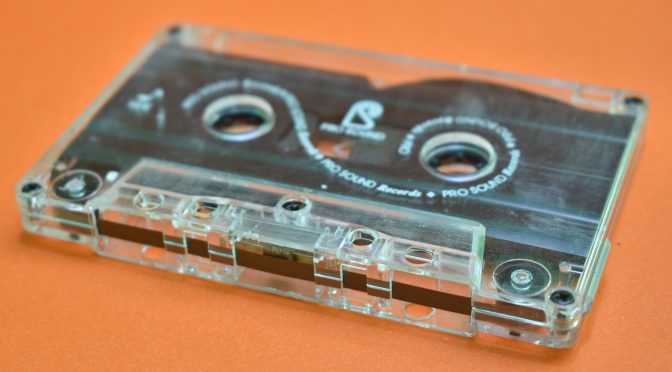
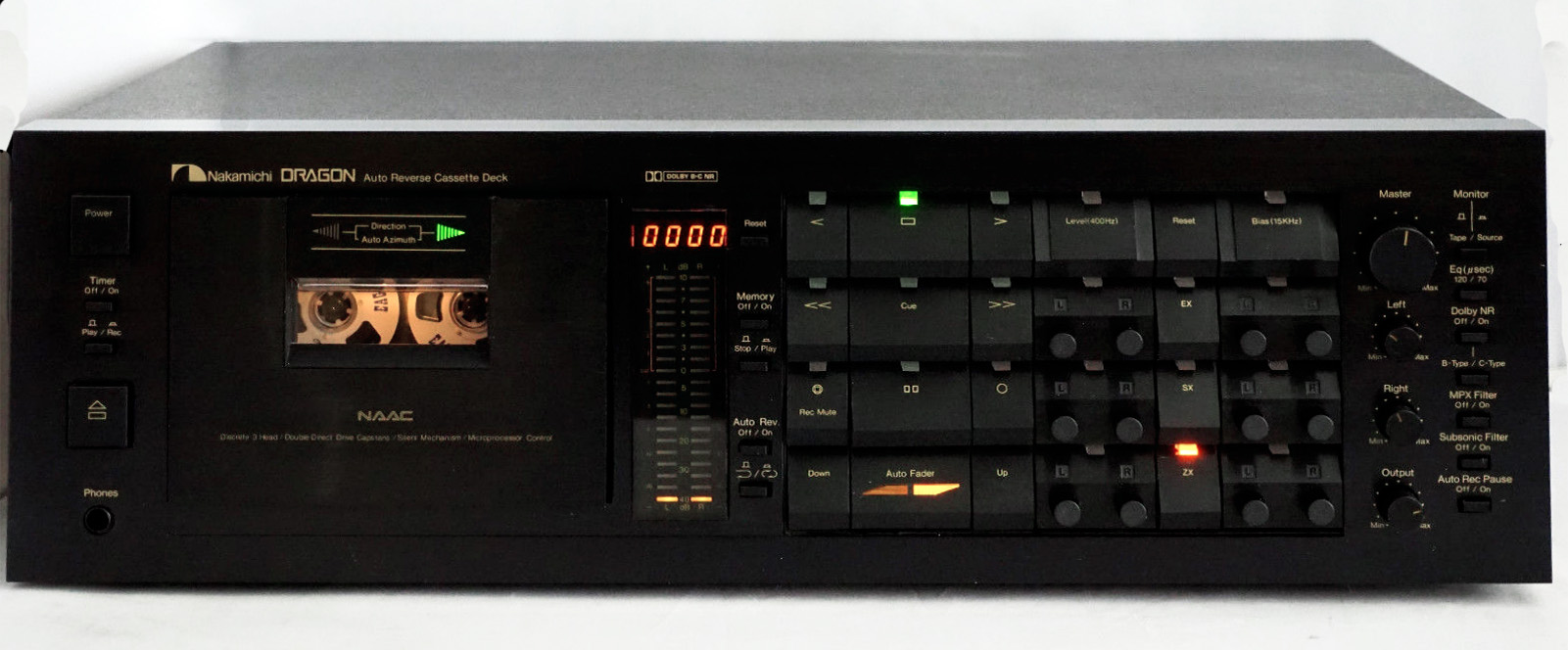
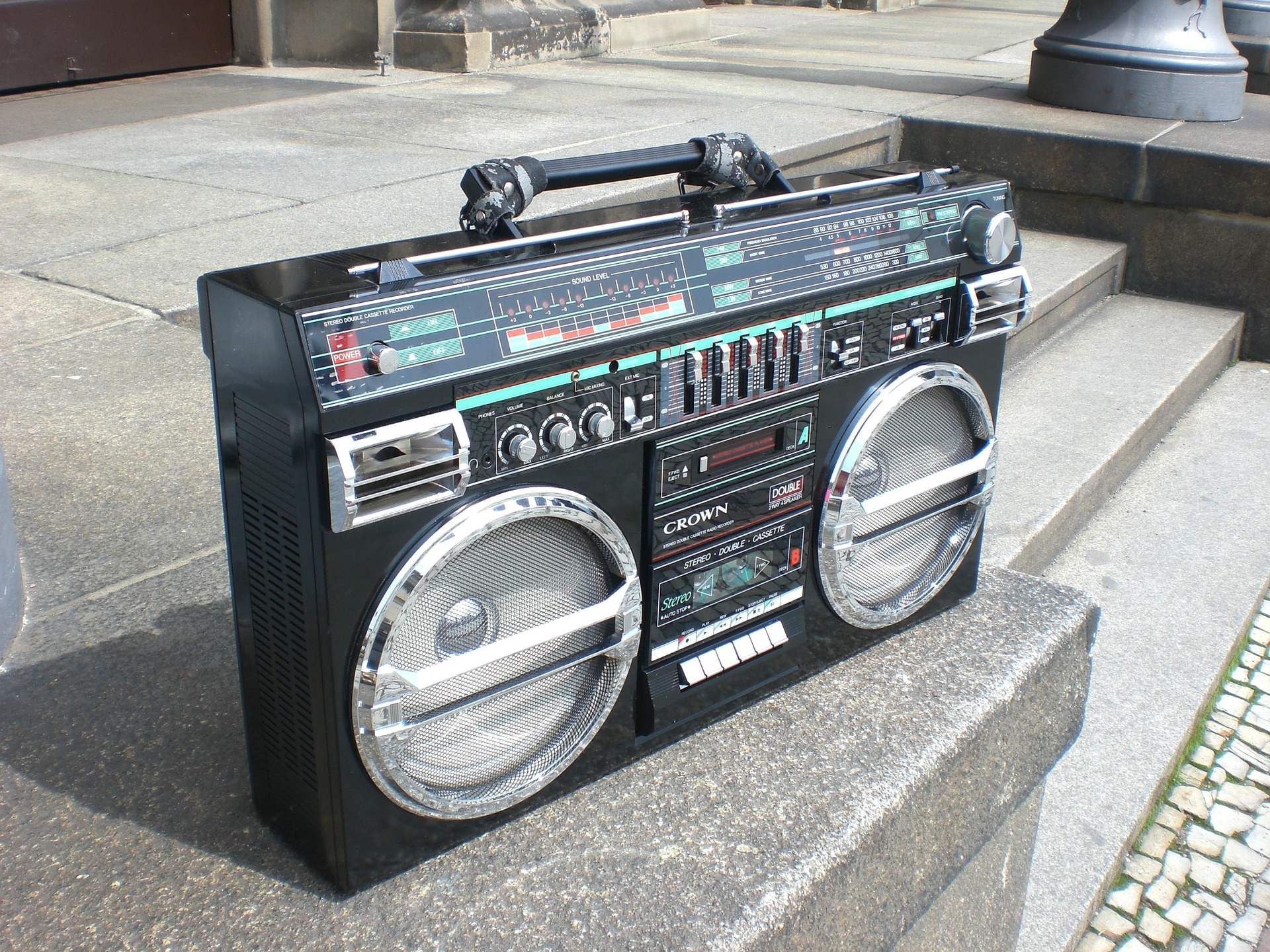
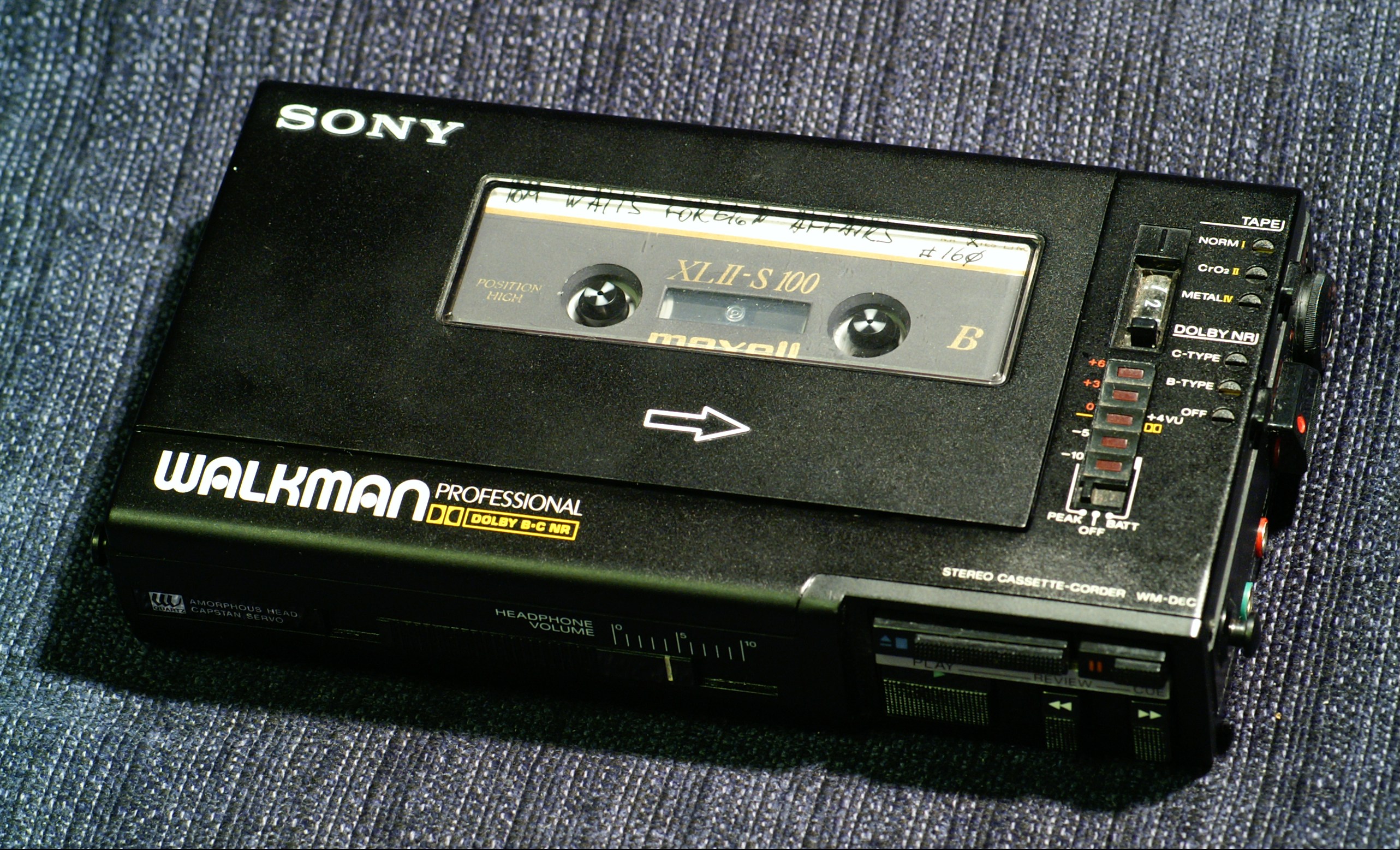
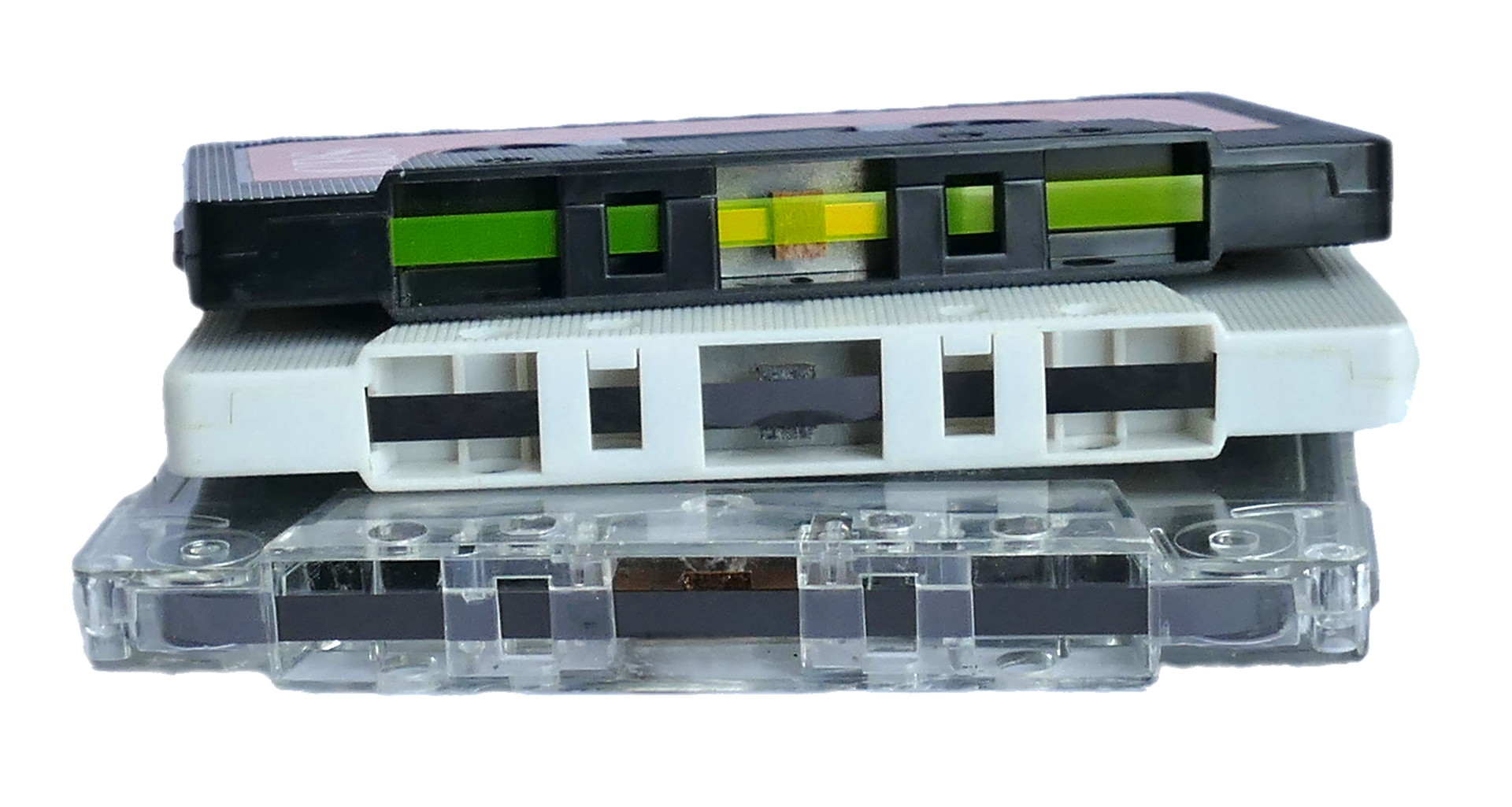 Tape Cassettes did launch the car and personal stereo experiences, which went on to launch the digital experience that we all enjoy today. So just for this alone, we should be thankful. It does not, however, mean that cassette tapes sound any better than anything else that is currently available. We now don’t need to arduously fast-forward or rewind to our favourite tracks and we most certainly do not have to spend hours fiddling around with pencils to re-tension cassettes, it’s now so much easier. So maybe they should stay consigned to charity shops and eBay.
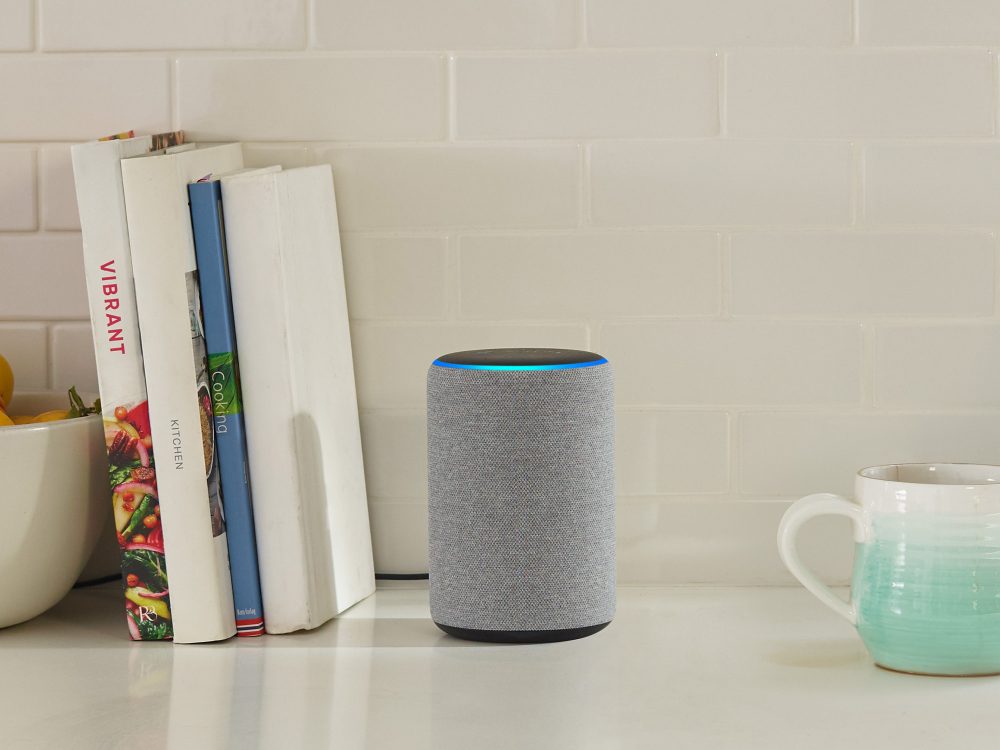 Artificial intelligence is sure to continue its unstoppable march towards self-awareness (I jest!!), but all the same, we should be seeing multi AI ‘bots’ training directly with each other very soon! Who could forget the Facebook AI bots which invented their own communication language shortly after being switched on! More of this in inevitable, hopefully with the necessary safeguards in place.
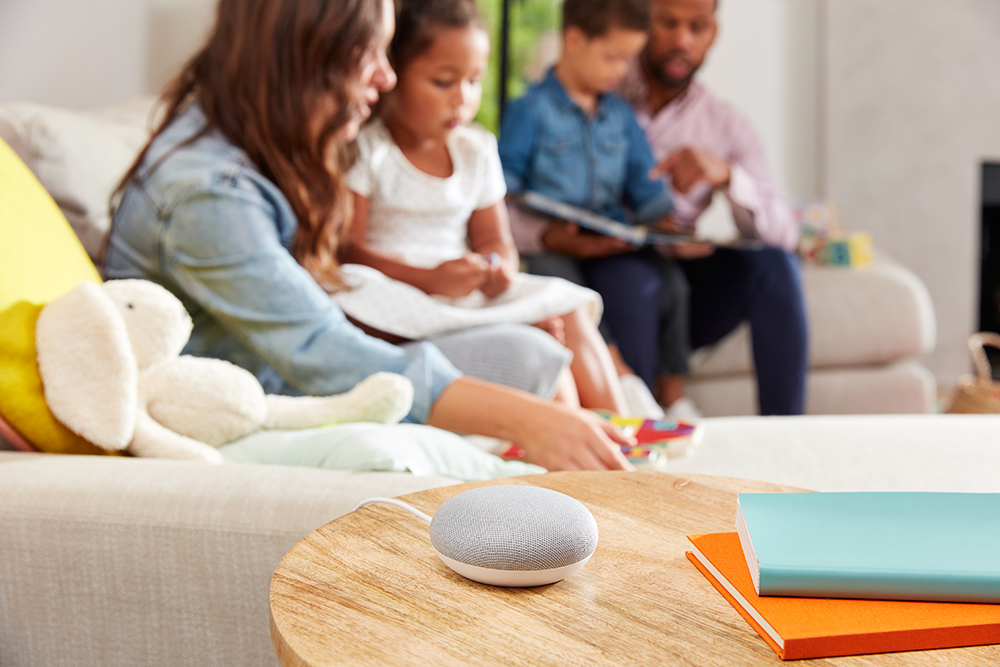 The big 3 tech companies continue to advance home-based smart technology with integration into every part of our lives, add to this more AI and who knows what we should expect from the likes of Amazon, Google and Apple.