Tag Archives: Passwords

Why ‘123456’ Is Still Ruining Business Security

There are some things you expect to see in 2026. AI everywhere. Electric cars quietly taking over. Smart homes that know when you have run out of milk.

What you do not expect is that one of the biggest threats to company security is still someone typing 123456 into a login box.

Yet here we are.

A recent piece of research from NordPass lays it all bare. After analysing huge volumes of passwords exposed in real world data breaches, the conclusion is both fascinating and slightly terrifying. Business passwords are often no better than the ones we were being warned about twenty years ago.

The same bad habits, everywhere

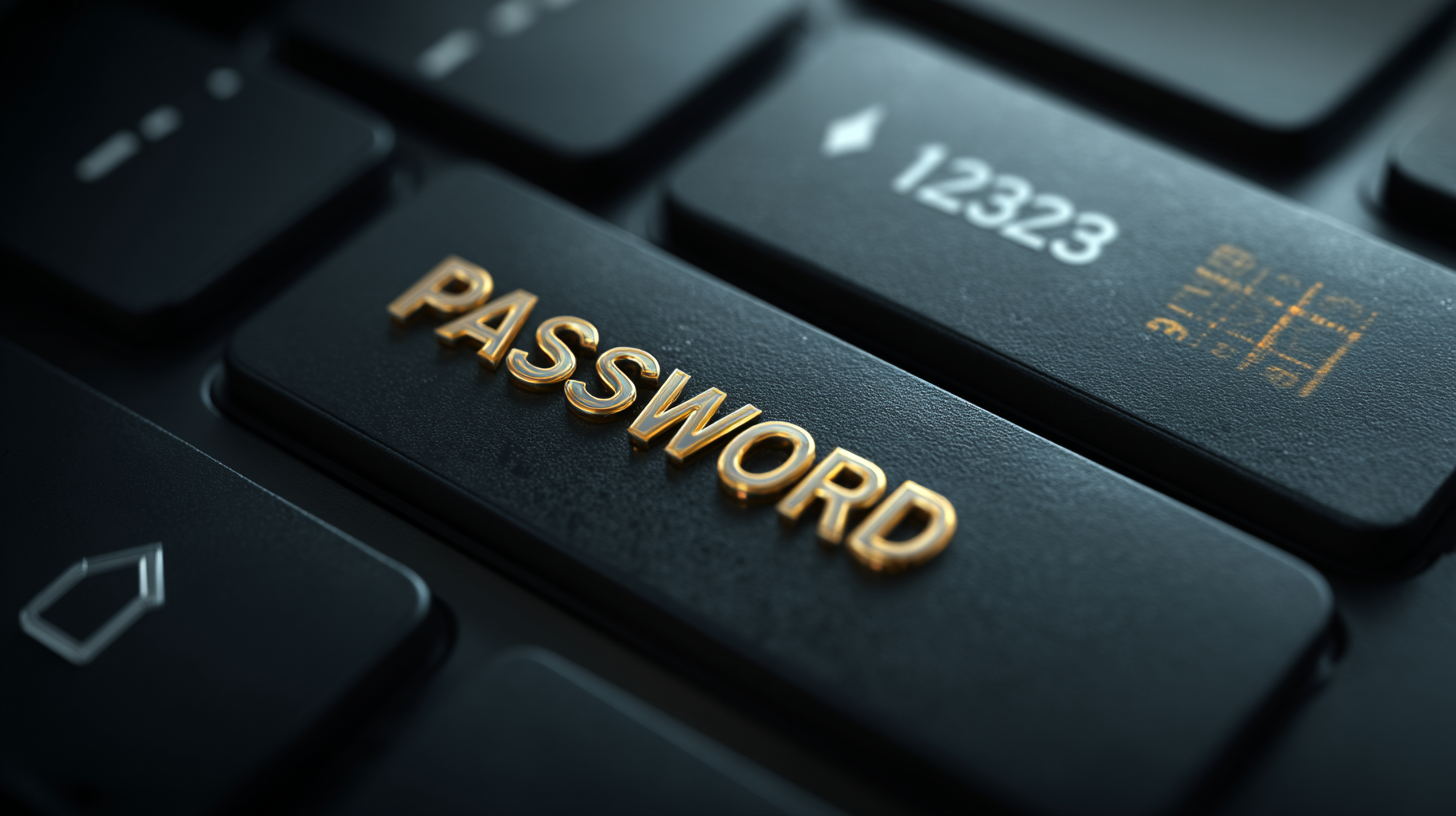
Across sectors like healthcare, manufacturing, tech and finance, the patterns repeat themselves. Simple number sequences dominate. Obvious choices like 123456, 123456789 and password keep cropping up. In some cases people are even using their own email address as the password.

That last one is particularly grim. If your username is already public, you have effectively handed an attacker half the keys to the building.

What struck me most was how universal this problem is. This is not a single careless industry or a few unlucky firms. It is a human behaviour issue. Convenience beats caution every time unless systems are designed to protect us from ourselves.

Why attackers love this

From an attacker’s point of view, weak passwords are a gift. Automated tools can try millions of common combinations in seconds. If employees reuse passwords across systems, one breach can quietly unlock several more doors.

This is often how serious incidents begin. Not with Hollywood style hacking, but with someone guessing a password that should never have existed in the first place.

The uncomfortable truth for businesses

Here is the bit that matters. This is not really a technical problem. The tools to fix it have existed for years.

Strong password policies. Password managers. Multi factor authentication. Alerts for leaked credentials. None of this is exotic or expensive anymore.

What is missing is consistency and enforcement. Many organisations still rely on guidance rather than rules, or assume that staff will naturally do the right thing. History shows they will not, especially when speed and convenience are rewarded.

What actually works

From everything I have seen over the years, both professionally and personally, a few things make the biggest difference.

First, remove the burden from users. A good password manager means nobody has to remember anything clever.

Second, enforce unique passwords everywhere. No exceptions.

Third, enable multi factor authentication wherever possible, especially for email and admin accounts.

Finally, treat leaked passwords as inevitable, not hypothetical. Monitor for them and act quickly.

Still relevant, still risky

It is easy to laugh at 123456. It feels like a joke from the early days of the internet. But when that same password is still opening real company systems today, it stops being funny very quickly.

The NordPass research is a useful reminder that cybersecurity does not always fail at the cutting edge. More often, it fails at the front door.

And the front door is still wide open far too often.

Cybernews Cracks the Password Puzzle: What 19 Billion Passwords Reveal About Us

We’ve all been there — that moment when the password box blinks impatiently, waiting for your brain to produce something secure and memorable. But what if I told you that billions of us are still relying on “123456” or “password” to guard our digital front doors?

Researchers at Cybernews have just released a fascinating and somewhat alarming analysis of 19,030,305,929 leaked passwords, and the findings tell a revealing story about human behaviour, pop culture obsessions, and our often lacklustre approach to security.


Only 6% of Passwords Are Unique – Let That Sink In

Out of 19 billion passwords, only 1.1 billion were unique. That means 94% of people are using the same passwords as someone else — and in the world of hacking, that’s music to a cybercriminal’s ears.

The most common passwords? You’ve guessed them:

  • “password” – used 56 million times

  • “admin” – 53 million times

  • “123456” – 338 million times

  • “1234” – found in nearly 4% of all passwords (that’s 727 million accounts!)

It’s 2025 and we’re still living in a world where “qwerty” and “abc123” are considered acceptable safeguards.


What We Love Shows Up in Our Passwords

The team at Cybernews created themed wordlists to understand what people use in their passwords. The results are both amusing and a little worrying.

Pop Culture Reigns Supreme

Characters like:

  • Mario (9.6M)

  • Batman (3.9M)

  • Joker (3.1M)

  • Thor (6.2M)

  • Elsa (2.9M)

Yes, even a magical ice queen made it onto the hacker’s dictionary.

Our Favourite Animals?

  • Lion (9.8M)

  • Fox (7.8M)

These majestic creatures might be noble, but they’re not secure.

Love, Tea, and Swear Words

  • Love” appears in 87 million passwords.

  • Tea – our national treasure – is in 36 million!

  • And surprisingly (or not), words like “ass” (165M), “fuck” (16M), and “shit” (6.5M) are extremely common.

Seems like when people get frustrated with password rules, they get… expressive.


The Human Factor: Names, Cities, and Seasons

We seem to really love personal and familiar things:

  • Ana is the most-used name (178.8M times).

  • Rome is the top city (13M).

  • Summer (3.8M) leads the seasons, while May (28M) and April (5.2M) dominate the months.

  • Monday is weirdly the most popular weekday (800,000).

And professions like boss, cook, and hunter show up in millions of passwords. Is that confidence or wishful thinking?


Big Brands in Passwords: Not a Great Idea

Believe it or not, some people think referencing tech giants will protect them:

  • Google – 25.9M passwords

  • Facebook – 18.7M

  • Kia – 12.7M (your guess is as good as mine)


Why This Matters (and What You Should Do About It)

With only 6% of passwords being unique, dictionary attacks and credential stuffing become a walk in the park for bad actors. If your password is on one of these lists, your account could be next.

Top Tips for Better Passwords:

  1. Use a Password Manager – Tools like Bitwarden, 1Password or KeePass make strong passwords easy.

  2. Avoid Dictionary Words – Even “FrostyTheSnowman1983” isn’t safe if enough people use it.

  3. Go Long and Complex – At least 12 characters, mixing letters, numbers, and symbols.

  4. Don’t Reuse Passwords – Ever.

  5. Turn On 2FA – Always enable two-factor authentication where possible.


The Bottom Line

Your password is often the only thing standing between your private data and a very bad day. The Cybernews report doesn’t just expose poor habits — it’s a stark reminder that humans are the weakest link in cybersecurity.

So, before you set your next password to “GadgetMan2025”, take a moment. You’re worth a better lock on your digital door.


Matt Porter – The Gadget Man

Have you checked your passwords recently? Would you like me to review any password manager tools for you next?

The Privacy Trade-Off: Balancing Security and Convenience in Smart Homes

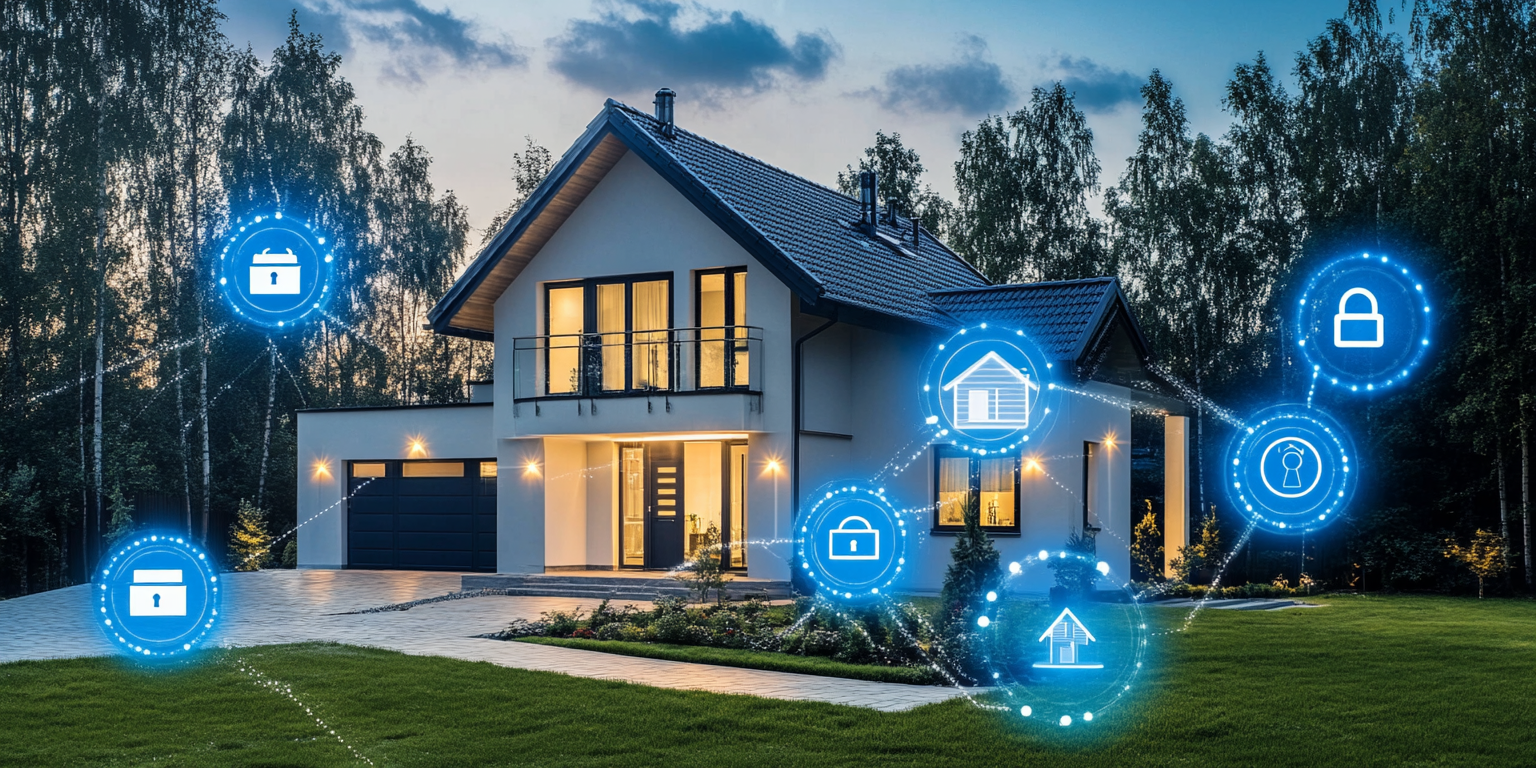
Smart homes are all the rage. Thermostats, cameras, voice assistants—they promise ease and security. But there’s a catch: privacy and security risks. Let’s break it down.

Convenience at a Price

Imagine controlling your lights or thermostat with a tap on your phone or a voice command. Sounds great, right? Devices like Amazon Alexa and Google Home make life smoother and more efficient. But these gadgets need data to function, and that data includes your daily routines and private conversations.

The Hidden Cost of Data

All this convenience comes at a cost. Your smart devices collect heaps of data, often stored in the cloud. This means you’re losing control over who sees your info. Companies might share it with third parties, sell it to advertisers, or even hand it over to the government. Not so smart, huh?

Security Vulnerabilities

And let’s talk about hacking. Many smart home devices aren’t as secure as you’d think. Weak passwords, outdated software, and insecure APIs are open doors for hackers. Think your home security system is impenetrable? High-profile breaches in devices like Ring and Nest suggest otherwise.

Legal Landscape

Lawmakers are catching on. The American Data Privacy and Protection Act (ADPPA) aims to give you rights to your data. You can access, correct, and delete it. Companies must limit data collection to what’s “reasonably necessary.” Sounds good, but enforcing these rules is another ballgame.

How to Protect Yourself

So, what can you do? Be smart about your smart home.

  1. Strong Passwords: Use unique, strong passwords for each device.
  2. Update Regularly: Keep your device firmware up to date.
  3. Know Your Rights: Familiarize yourself with privacy laws like the ADPPA.

Real-World Incidents

Data misuse in smart homes is real. From unauthorized data collection to hacking, your private moments could end up exposed. High-profile cases have shown how easily these devices can be compromised, underscoring the need for robust security measures.

Industry Responsibility

Manufacturers also have a role to play. They need to implement strong security protocols and be transparent about data usage. Compliance with standards like the Matter interoperability and security standard can help build trust and protect user data.

Consumer Awareness

Consumers must stay informed. Understand what data your devices collect and take steps to safeguard it. Use strong passwords, update regularly, and know your rights.

Josh Gordon, a technology infrastructure expert at Geonode, emphasizes the importance of robust privacy measures: “The key to balancing convenience and security lies in understanding the data flows and ensuring that access is secure and controlled.” Gordon’s insights align with the industry’s growing emphasis on data privacy and secure access solutions, reinforcing the critical need for consumers to stay vigilant.

By staying vigilant and informed, you can enjoy the perks of a smart home without sacrificing your privacy.

Gadget Man Episode 127 – What happens to my passwords after I’ve gone?

Who would have believed that at the dawn of the World Wide Web 30 years ago that almost all of our lives would be controlled via logins and passwords exchanged over the internet?

Whilst it is incredibly convenient to be able to access our bank accounts, insurance policies, email, social networks, discussion forums and many many other services. It is also very important to remember that ALL of the services require user names and passwords.

So, what happens when suddenly the owner of all these credentials passes away or becomes unable to continue to access the services independently?

On this episode, James Hazell discusses just that with both myself and a solicitor to explain what can be done to avoid all of our lives being locked away indefinitely.

You can tune in to the podcast above or subscribe via your favourite Podcast app. If you enjoy what you hear, don’t forget to Like, Share and Subscribe and I will see you next time!