
The UK Government has announced what could become one of the most significant changes to children’s online lives in years: a planned ban on social media platforms offering services to children under the age of 16.
Published on 15 June 2026 by the Department for Science, Innovation and Technology, the announcement sets out a bold new direction for online safety, with the Government saying it wants to “give kids their childhood back”.
That is quite a phrase, but it will resonate with many parents. For years, families have been trying to manage smartphones, apps, social media pressure, endless scrolling, online strangers, livestreams, algorithms and, more recently, AI chatbots. It is a lot. In fact, it is probably too much to expect parents to deal with alone.
What is being proposed?
The Government plans to stop social media platforms from offering services to under 16s. According to the announcement, this would include platforms such as Snapchat, TikTok, YouTube, Instagram, Facebook and X.
The proposed model is expected to follow a similar approach to Australia, targeting user to user platforms whose purpose is social interaction, content posting and algorithm driven feeds.
Messaging services such as WhatsApp and Signal are not expected to be included in the social media ban.
The first set of regulations could be brought before Parliament before Christmas, with protections expected to come into force in Spring 2027.
More than just a social media ban
This is not only about banning access to social media apps. The Government is also proposing wider protections around some of the features that can cause harm to children online.
These include restrictions on livestreaming and strangers communicating with children. Importantly, these extra restrictions could apply beyond traditional social media platforms, including gaming sites.
That matters, because a lot of children’s online lives no longer sit neatly inside one app or one category. Social interaction, messaging, livestreaming, gaming and algorithmic recommendations are now all blended together.
The Government says these protections will also be switched on by default for 16 and 17 year olds, to avoid a sudden cliff edge when a child turns 16.
AI companion chatbots are also in the spotlight
One of the most interesting parts of the announcement concerns AI chatbots.
So called AI romantic companion chatbots, designed to simulate sexual relationships or roleplay with users, will be required to enforce a minimum age of 18. Similar intimate features will also be restricted for under 18s on AI chatbots more widely.
This is an important development. AI companion apps are moving incredibly quickly, and many parents may not even know they exist, let alone understand how emotionally persuasive they can be.
As AI becomes more human sounding, more available and more integrated into apps, this area is going to need serious attention. It is not enough to think of online safety as simply blocking rude words or removing harmful posts. We now have systems that can chat, flatter, persuade, roleplay and build emotional dependence.
Age checks will be the difficult bit
The big question, of course, is how this will actually work.
Anyone who has spent more than five minutes around young people and technology knows that children are often extremely good at finding ways around restrictions. The Government says it will learn from Australia’s experience and introduce highly effective age assurance measures to support compliance.
Ofcom will conduct a rapid study into effective age assurance for checking whether someone is over 16. The Technology Secretary has also asked Ofcom for an urgent review of its enforcement capabilities and a clear enforcement strategy.
This is where the whole thing will either succeed or fall apart.
If the age checks are too weak, children will simply bypass them. If they are too heavy handed, adults may rightly worry about privacy, identity checks and handing more personal data to large technology companies.
Getting that balance right will be crucial.
Parents appear to support action
The Government says the announcement follows one of its biggest national conversations, with more than 116,000 responses from parents, children and experts.
According to the Government, 9 in 10 parents said they would support a social media ban for children under 16. It also says two thirds of young people agreed that children younger than 16 should not be allowed to use at least some social media platforms.
That is significant. This is not just adults shouting at TikTok from the sidelines. Many young people appear to recognise that there is a problem too.
Tech companies have had years to fix this
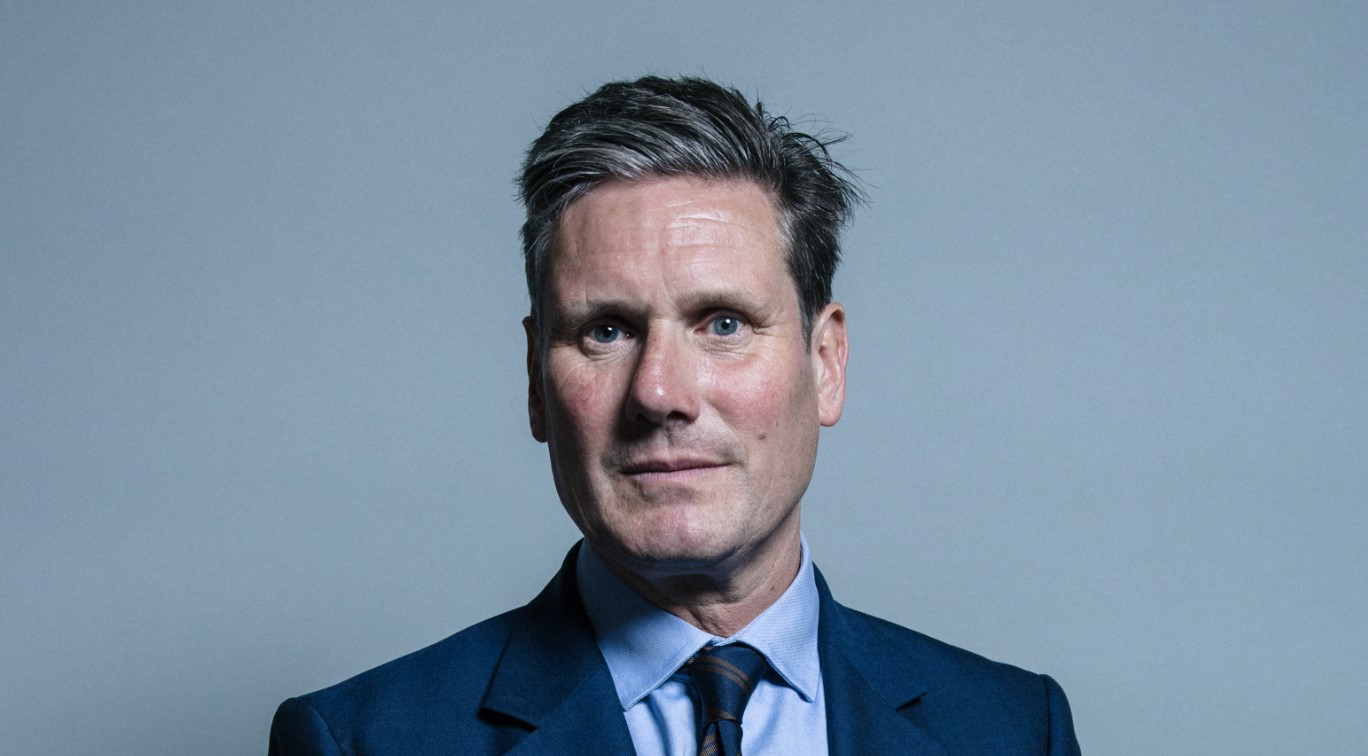
Prime Minister Keir Starmer said tech companies had “their chance and failed”, while Technology Secretary Liz Kendall said companies had “countless opportunities to keep children safe”.
Whether you agree with the exact form of the ban or not, it is hard to argue that the current system is working well.
Children are growing up in an online environment designed by some of the most powerful companies in the world, using systems built to maximise attention, engagement and screen time. The algorithms do not care whether a child has homework, needs sleep, is anxious, is vulnerable, or is being drawn into something harmful.
They are designed to keep people watching, scrolling, reacting and returning.
The Gadget Man view
As someone who loves technology, I do not think the answer is to pretend the internet is bad and children should be wrapped in cotton wool. Technology can be brilliant. It can educate, connect, entertain and inspire.
But childhood should not be outsourced to algorithms.
There is a huge difference between children using technology creatively and children being pulled into endless feeds, livestream pressure, anonymous messaging, harmful trends and AI driven emotional traps.
The challenge is that the online world has become too powerful, too persuasive and too profitable for parents to manage alone. Many families are trying to set boundaries while their children’s friends are all using the same apps, the same platforms and the same online spaces.
That makes it very difficult for one household to say no.
A national rule changes the conversation. It gives parents something firmer to stand on. It also forces the technology companies to design systems around children’s wellbeing, rather than leaving families to pick up the pieces afterwards.
But enforcement and privacy must be taken seriously
There are still major questions to answer.
How will age verification work? What data will be collected? Who will store it? Will smaller platforms be able to comply? Will children be pushed into less regulated corners of the internet? What happens when a child uses a parent’s account or device?
These details matter.
A poorly designed system could create new risks while trying to solve old ones. A well designed system could mark a genuine turning point in how we treat children’s digital lives.
A cultural shift, not just a technical fix
The Government has framed this as part of a wider effort to reclaim childhood, including more access to sport, creativity, nature and the arts.
That is important, because banning or restricting something only works properly if there is something better to replace it with.
Children need places to go, things to do, people to meet and chances to explore the world beyond a screen. If this policy is going to work, it needs to be part of a bigger cultural change, not just a login screen that says “computer says no”.
Final thoughts
This is a landmark moment for online safety in the UK.
The proposed social media ban for under 16s will be controversial, complicated and difficult to enforce perfectly. But the fact that the Government is now prepared to draw a clear line shows how serious the issue has become.
For years, parents have been told to use parental controls, have conversations, monitor screen time and keep up with every new app. Those things still matter, but they are not enough on their own.
The online world has changed childhood. Now the Government is saying it wants to change the online world in response.
Whether this becomes a successful turning point will depend on the details, but one thing is clear: the days of letting tech companies mark their own homework may finally be coming to an end.