
Over the past couple of weeks, I’ve noticed something interesting in my inbox.
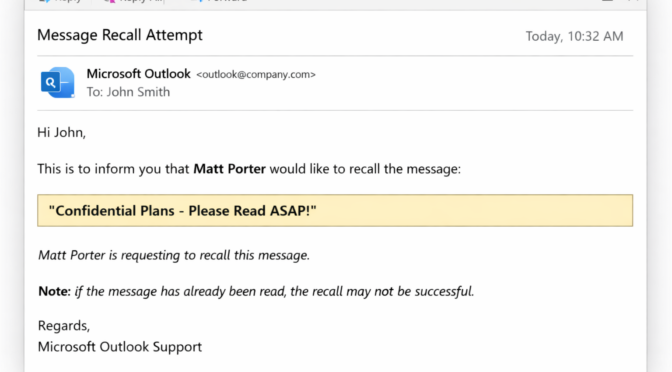
A handful of emails followed, not long after, by a familiar notification from Microsoft Outlook:
“A sender would like to recall a message…”
Now, this isn’t a criticism of anyone involved. Quite the opposite. Most of these emails have come from companies I work with, people who are busy, professional, and simply getting on with their day. If anything, it’s a reminder that we’re all human, even in a very digital world.
The moment after “Send”
We’ve all had it.
You hit send, and then almost immediately:
- You spot a typo
- You realise an attachment is missing
- Or you think of a better way to phrase something
That tiny moment of “ah… I wish I’d just…” is universal.
Outlook’s recall feature exists for exactly that moment. It offers a chance, however slim, to tidy things up after the fact.
What actually arrives
From the recipient’s side, the experience is quite different.
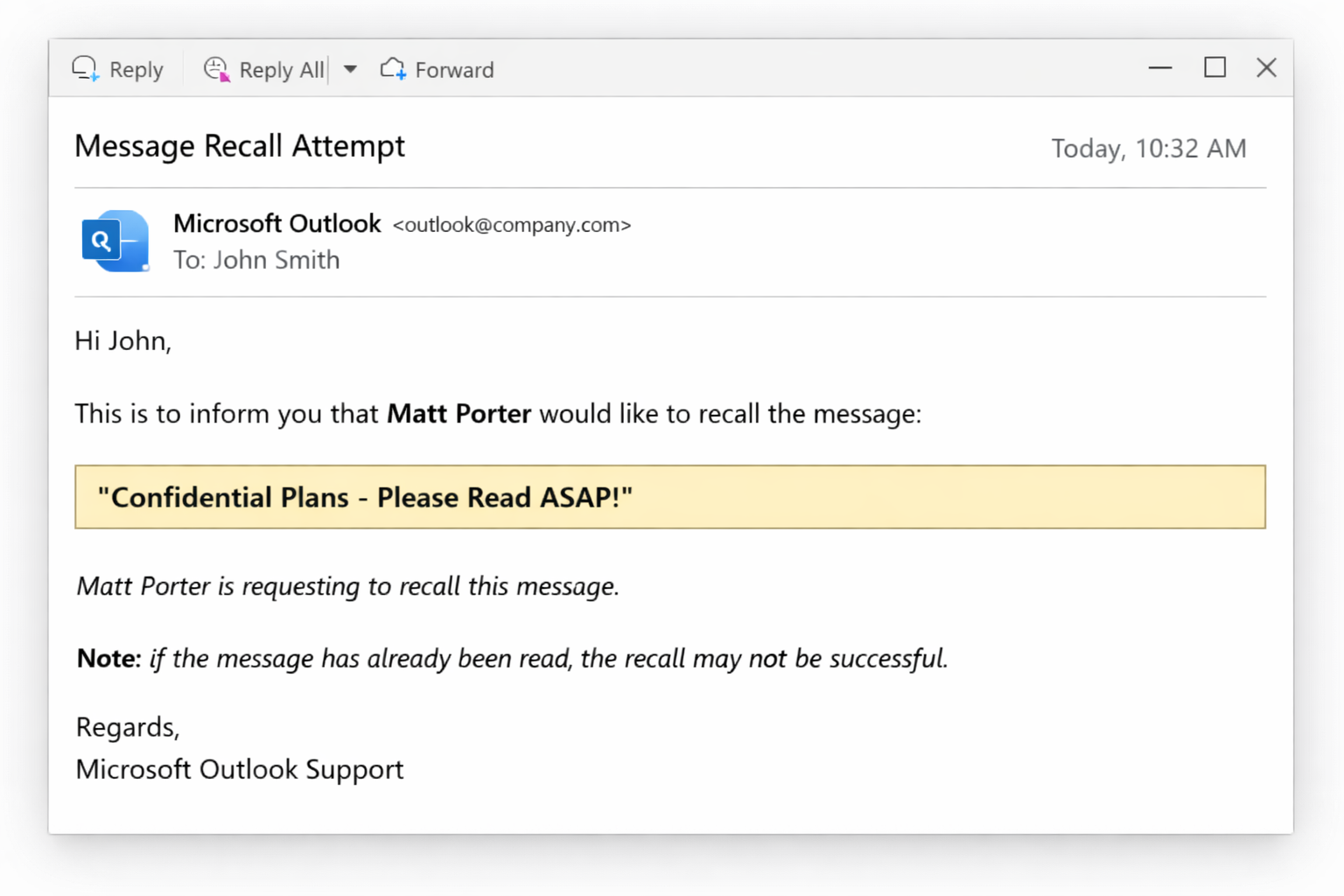
The recall message tends to arrive after the original email has already landed, and quite often after it’s been read. So what you end up seeing is not a disappearing message, but a sequence:
- Original email arrives
- You read it
- A recall request follows
It feels less like something being erased, and more like a polite follow up saying, “If possible, please disregard that earlier version.”
When Outlook Recall works… and when it doesn’t
This is where things get interesting, because recall isn’t random. It follows a very specific set of rules. The difficulty is that most real world email doesn’t.
When it can work
Recall has a genuine chance if all of the following line up:
- Both sender and recipient are using Microsoft Exchange within the same organisation
- The recipient is using the full desktop version of Outlook
- The email has not been opened
- No inbox rules have moved or processed the message
- The recall request is processed before the original message is read
In that fairly narrow window, Outlook can quietly remove or replace the message.
It does happen. Just not very often.

When it doesn’t work
This is where most of us live day to day:
- Emails sent outside the organisation to Gmail, Yahoo, or other domains
- Messages that have already been opened or previewed
- Recipients using mobile devices, webmail, or alternative email apps
- Mailboxes with rules that move or process messages automatically
- Mixed systems or slightly different setups on either side
In these situations, recall doesn’t really fail… it simply never had a chance.
The awkward middle ground
Even when recall doesn’t succeed, it still makes an appearance.
A follow up lands saying a recall was attempted, sometimes even reporting whether it worked or not. Which, if anything, draws more attention to the original message rather than less.
A feature with good intentions
And that’s really the key point.
Recall is not a gimmick. It’s a genuinely thoughtful idea designed for a very specific type of environment, one where everything is tightly controlled and messages haven’t yet been read.
Modern email, however, is anything but controlled. Messages are read on phones, previewed instantly, and often seen within seconds of arriving.
By the time a recall request appears, the moment has usually passed.
What it really highlights
If anything, these recall messages have highlighted something positive.
They show that people care about what they send. That they want to get it right. That they’re paying attention to detail, even after the email has gone.
That’s not something to criticise. It’s something to appreciate.
A gentle takeaway
If there’s a lesson in all this, it’s not about avoiding mistakes. We all make them.
It’s about giving yourself a moment before sending. A brief pause to read things back, check attachments, and make sure everything is as it should be.
Some systems even allow a short delay before emails are sent, which turns out to be far more effective than trying to pull one back afterwards.
Final thoughts
Outlook recall isn’t new. In fact, it’s been around in Microsoft Outlook for well over two decades, dating back to the early days of Exchange based corporate email.
So in a sense, Outlook has been sitting there quietly for the past 20 plus years, offering that second chance. A small safety net for a moment of hesitation.
The problem is that the world around it has changed.
Email is no longer something that sits unopened on a desktop waiting politely to be read. It’s instant, mobile, and everywhere. Messages are seen within seconds, often before the sender has even moved on to their next task.
And so recall finds itself trying to solve a very modern problem with a very old set of assumptions.
It still works, occasionally, in the environment it was designed for. But outside of that, it feels a bit like a feature from another time, doing its best to keep up.
Not quite an undo button, not quite a safety net, but a well meaning attempt to give us just a little more control than email really allows.